Tried learning CapCut PC on your own… and gave up?
You’re not alone. I’ll walk you through CapCut PC step-by-step with clear, practical lessons.
Black Friday Offer – Save 50%Offer ends in:
Enroll Now for $4900
DAYS
00
HOURS
00
MINS
00
SECS
Offer ends 30 November at 11:59 PM GMT
Let's be honest...
Does this sound like you?
- Not knowing how to make smooth edits
- Struggling to come up with fresh ideas
- Find it hard to adjust colors to look natural or cinematic.
- Relying heavily on YouTube tutorials but still feeling stuck when trying to apply them.
- Difficulty matching voiceovers or sound effects to the right parts of the video.
I’ve Been There!
Bad edits, off colors, feeling totally lost even after countless YouTube videos.
Yeah, I remember. But you’re about to level up.

In the next 30 days,You Could…
- Easily arrange videos, images, and text with smooth transitions.
- Perfectly sync voiceovers and sound effects to enhance your video.
- Easily generate fresh and creative ideas.
- Create your first professional video on your own
It’s not just a dream. The complete CapCut Course can make it a reality. Master every editing technique and start creating today!
INTRODUCING
The Complete CapCut Course
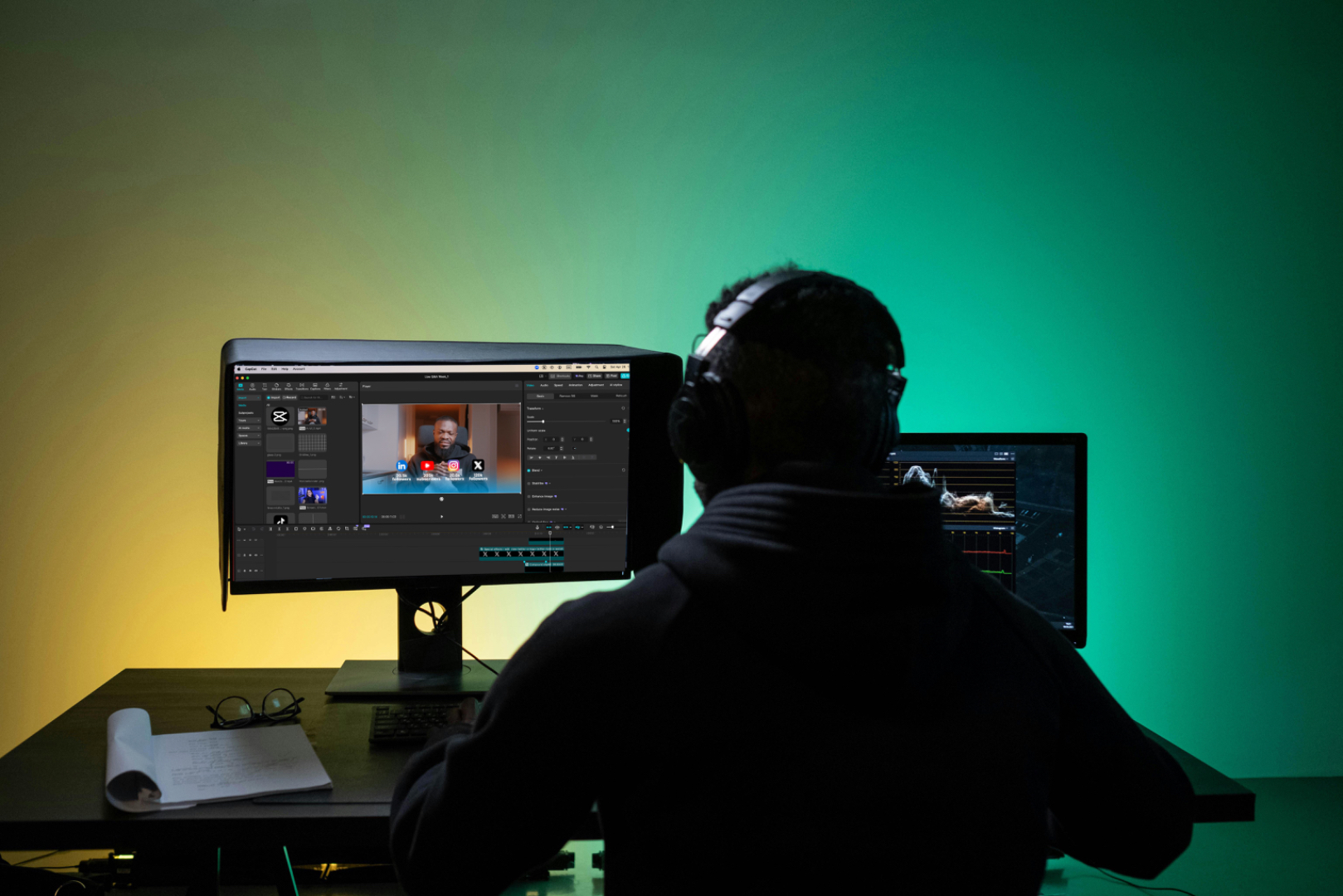
The Complete CapCut Course is the fastest way to master video editing with CapCut.
You’ll learn how to:
- Professionally edit videos using CapCut
- Master transitions, effects, and pacing to make videos that grab attention
- A step-by-step guide to mastering the CapCut PC interface
- Real-world projects to build your confidence and boost your skills.
This course perfect for beginners, intermediate, content creators and anyone who wants to make professional, engaging videos with ease.
Enroll NowWhat's Included In Complete CapCut Course...
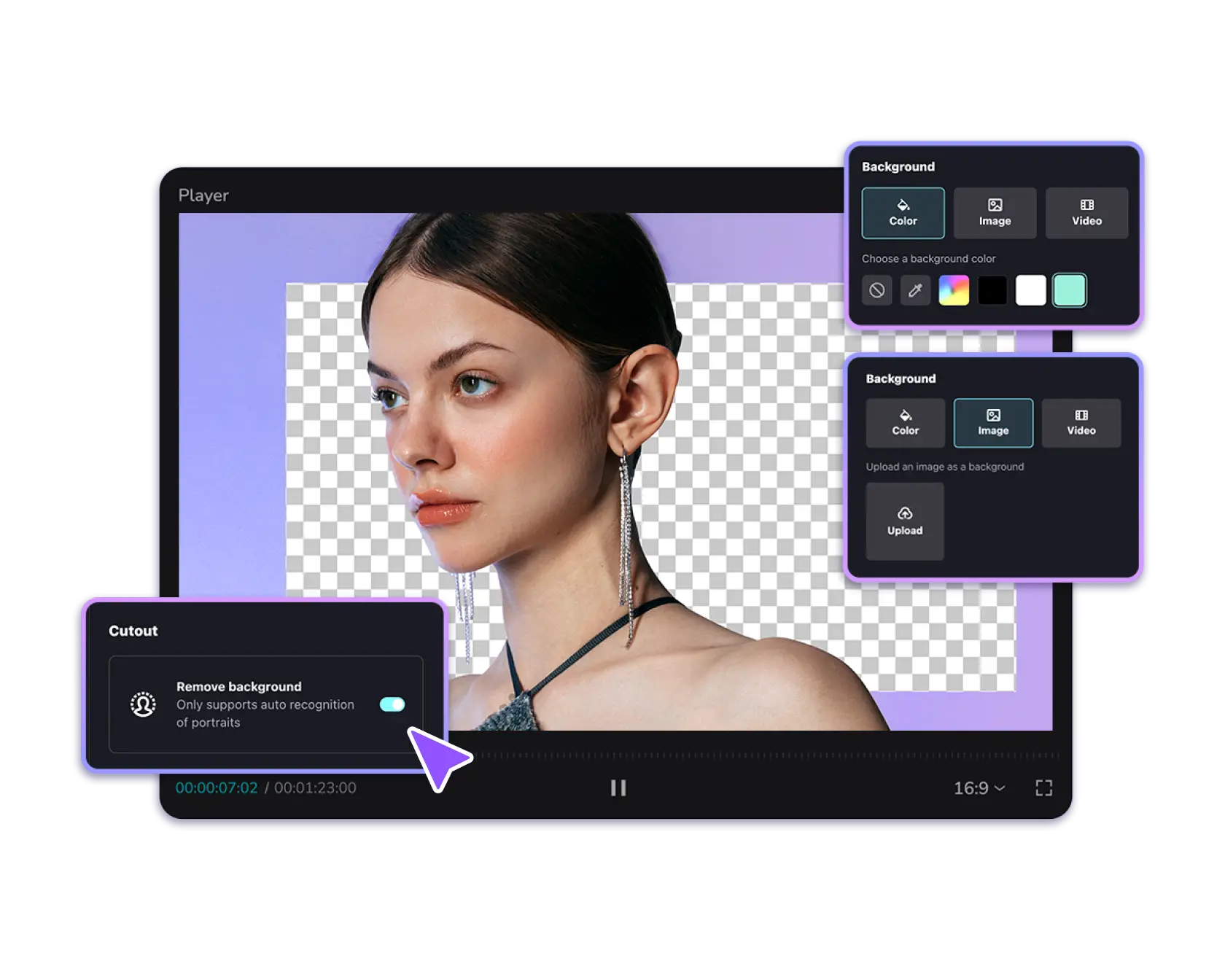
MODULE 1
Basic Video Editing
Master the fundamentals of video editing with hands-on lessons, including::
- Project Setup
- Importing & Organizing Media Files
- Applying Basic Transitions
- Exporting Videos in Various Formats and Resolutions
This will help you understand the basics of video editing, perfect for beginners or anyone who knows nothing about video editing.
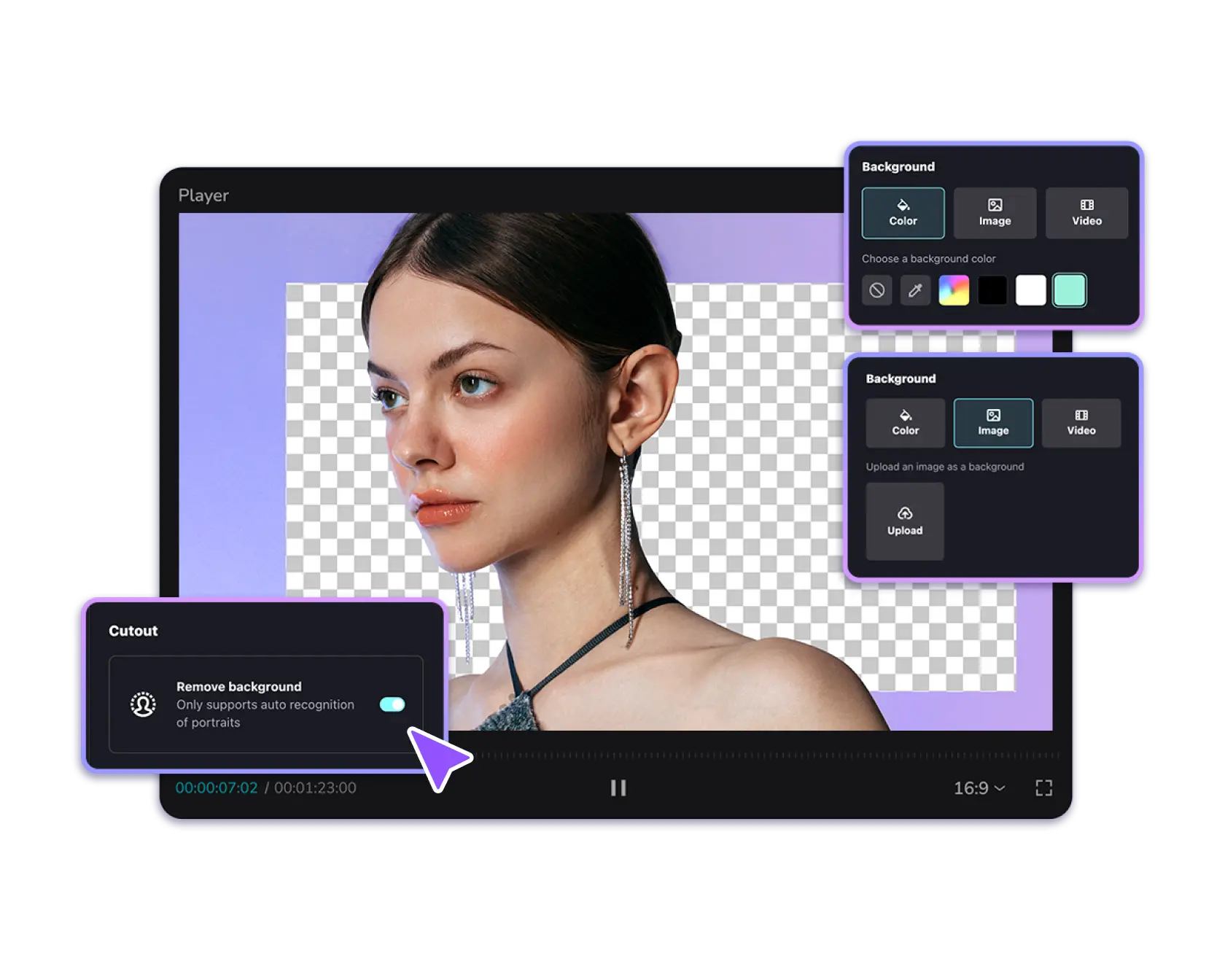
MODULE 2
Advanced Video Editing
This module dives deeper into professional video editing techniques such as:
- Keyframes and Keyframe Animations
- Compound Clips and Advanced Transitions
- Masking and Animations
- Motion Graphics and Multicam Editing
Once you master these techniques, your videos will become more dynamic, engaging, and professional-looking.
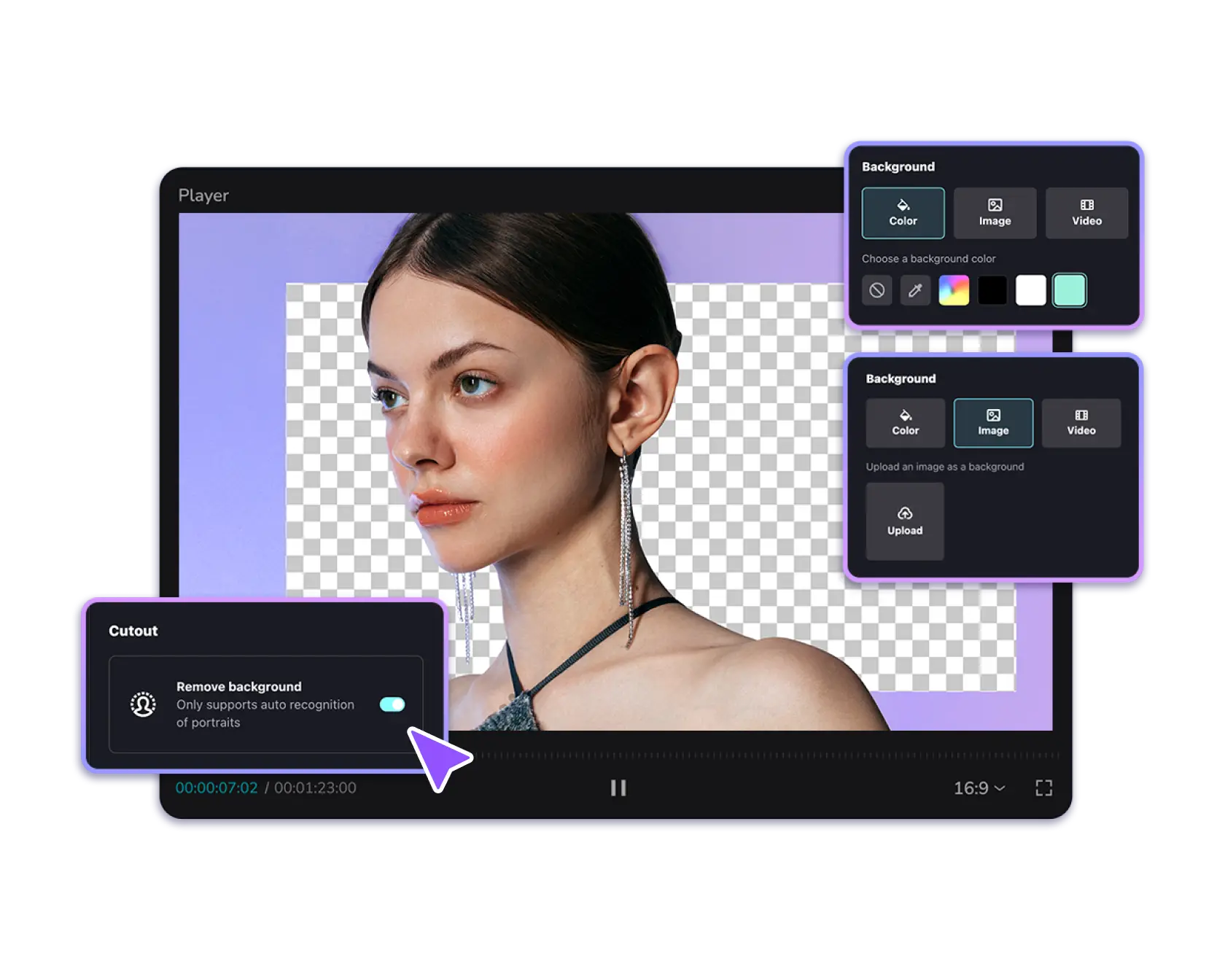
MODULE 3
Sound Design & Sound Effects
In this module, you will master audio editing for professional-quality videos such as:
- Balancing dialogue, music, and sound effects
- Syncing audio perfectly with visuals
- Sound design for your videos
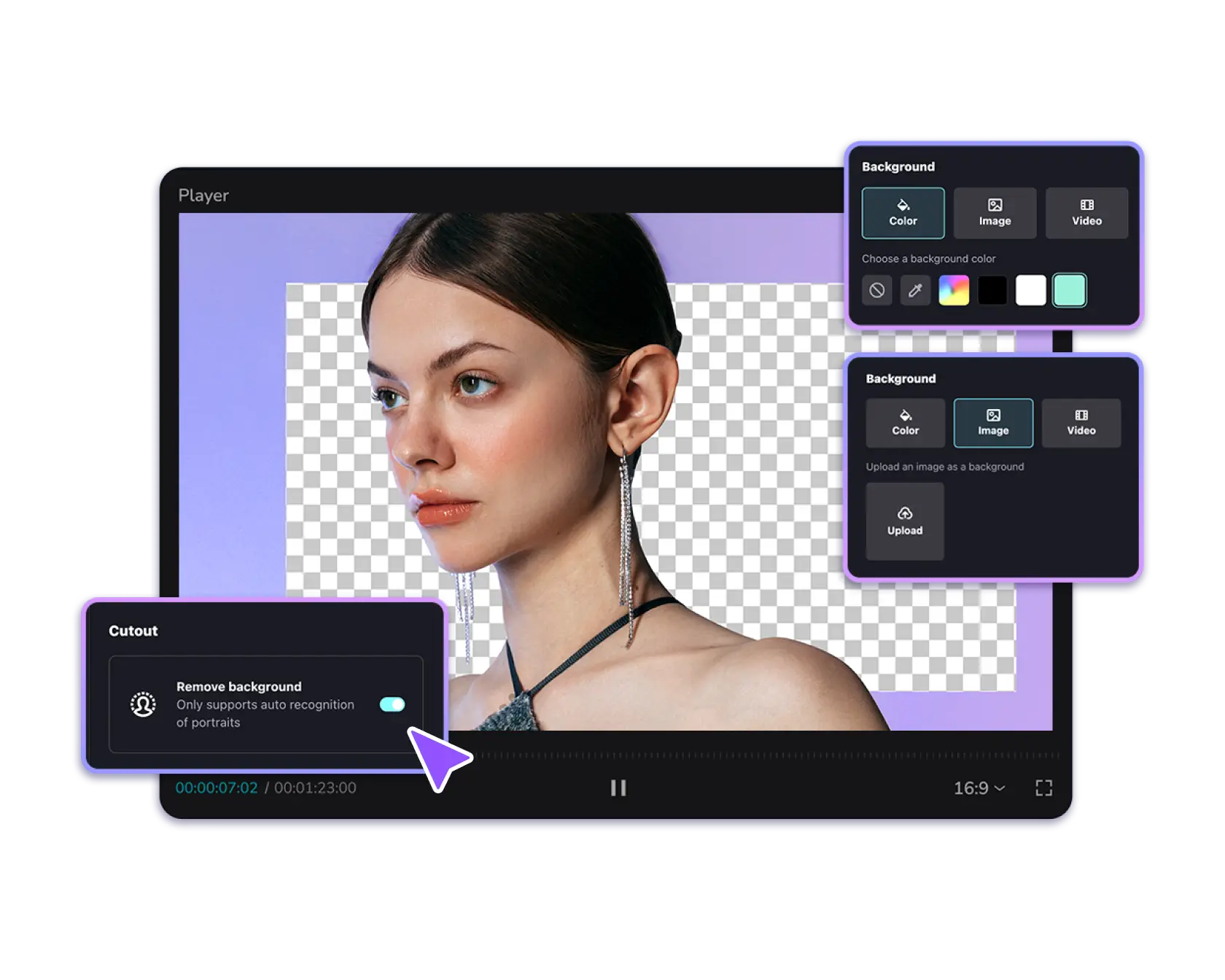
MODULE 4
Color Grading
In this module, you will learn color grading techniques such as:
- Correcting white balance
- Matching colors across clips
- Using LUTs (Look-Up Tables) effectively
- Adjusting contrast and exposure
- Maintaining color consistency throughout the video
- Color grading full sequence
By the end of this module, you'll be able to transform raw footage into visually stunning videos with consistent look.
MODULE 5
Real-World Projects Examples
In this module, you will work on real-world project examples (+10 hours) such as:
- Editing a YouTube videos
- Editing short form contents
- Editing talking head videos
- Editing Podcast intro videos
NICE TO MEET YOU
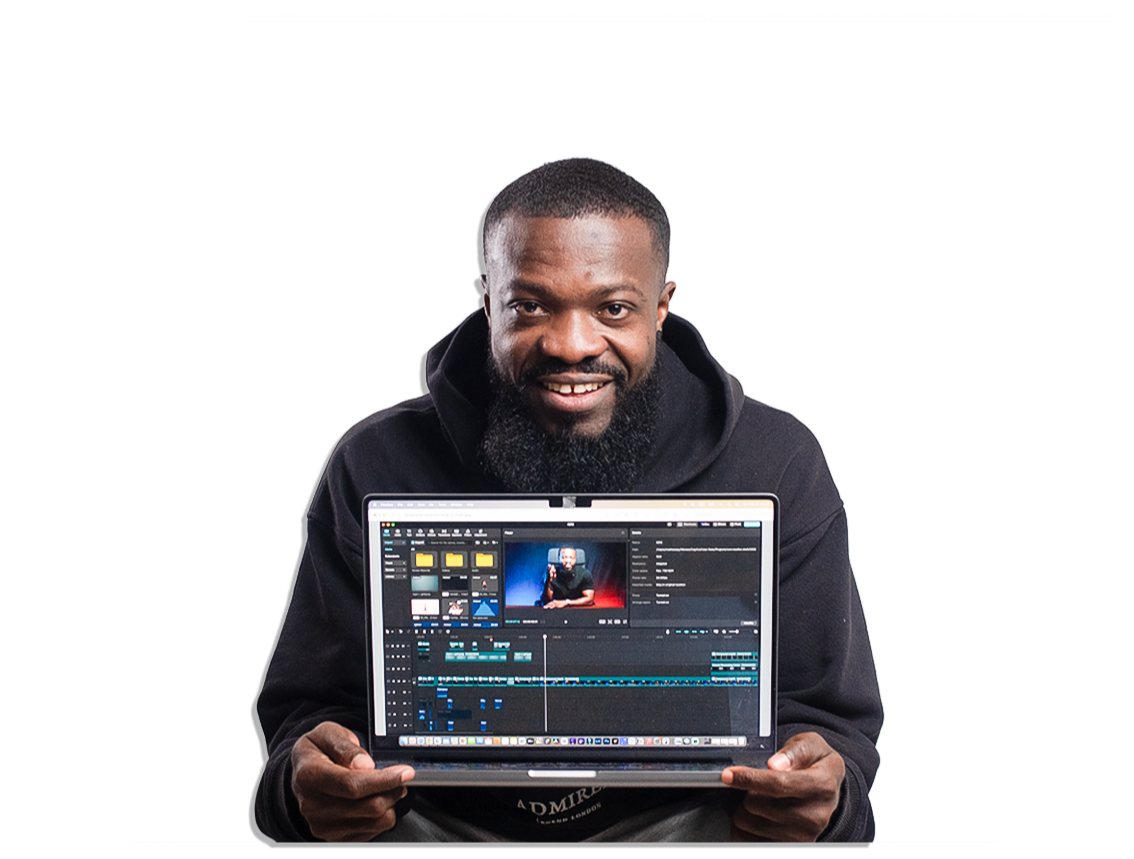
I'm Mathew Sey
Hey, I’m Mathew but online, you’ll probably know me as Joey Edits.
I’m a video editor, videographer, and content creator based in Helsinki, Finland.
When I first started editing, I spent hours hopping between random YouTube tutorials only to feel more lost than helped. That’s why I built this CapCut course: the one-stop guide I wish I’d had, packed with clear, step-by-step lessons.
My tutorials across YouTube, Instagram, and TikTok have already helped thousands of people level up their editing skills and now I'm bringing that same energy and expertise to this CapCut Course.
I’m here to help you master CapCut and make videos you’re truly proud of.

Don’t just take my word for it...

Michael Stoyanov
Before the course, I was insecure in my editing skills, now I feel confident and ready to talk to clients and take on hard projects and charge more for it.

Benter Oluoch
Joey Edits Academy has empowered me to handle challenging videos and grow my freelance business. I now charge more and feel more confident in my abilities.

Godson Pratt
Before joining Joey Edits Academy, I could barely edit. It took me over 30 days to learn, but now I can edit my own reels, podcasts, and client projects. The course has given me over 1000% return on investment and I highly recommend it.
What makes this course different…...
- Step-by-Step Tutorials
- Hands-On Timeline Files
- Hands on Real-World Project Files
- Advanced Editing Techniques
- Time-Saving Tips & Tricks
- Engaging & Interactive Lessons
Offer ends in:
Enroll Now for $4900
DAYS
00
HOURS
00
MINS
00
SECS
Offer ends 30 November at 11:59 PM GMT
30-DAY MONEY-BACK GUARANTEE
If you aren’t satisfied with the Complete CapCut Course (Lifetime Access), just let us know within 30 days of purchase and we’ll give you a full refund. No questions asked.
GET STARTED TODAY!
Complete CapCut Course
Lifetime Access
$49
Normally $99 — now $49 for Black Friday 🎉 (limited time)
Start Editing Like a Pro NowWho is this course for?
Do I need prior experience with video editing?
Can I use the free version of CapCut PC?
Are my results guaranteed?
How long will I have access to the course?
Is this course updated regularly?
What You Risk by Waiting
What You Risk by Waiting
If you keep waiting, you’ll keep wasting time trying to figure things out on your own.
Watching random tutorials won’t teach you the real tricks that make your videos stand out.
When this Black Friday offer ends on November 30 at 11:59 PM GMT, the price goes back up.
Don’t miss it and end up paying more later — or still struggling to edit like a pro.